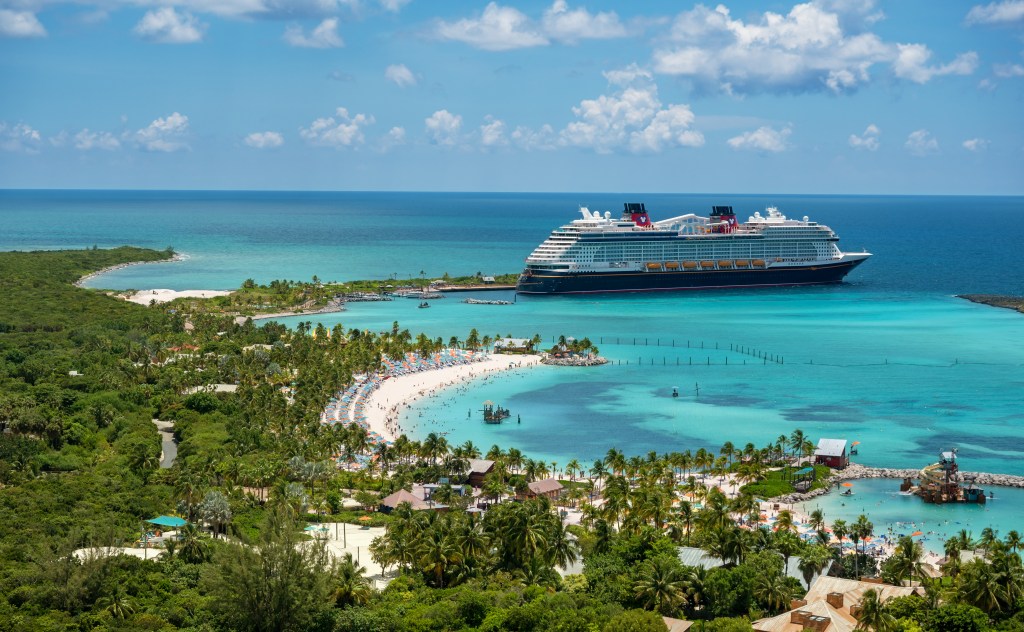
So you did it: you booked a Disney Cruise. Congratulations! (Can I be a stowaway?)
Here’s the thing nobody tells you at the moment of booking: that “Bibbidi, Bobbidi, Booked” email confirmation you receive isn’t the end of the process, it’s just step one. Disney cruises have a long runway between “booked” and “boarded,” and what you do in the early days sets the tone for how smooth (or chaotic) the rest of your planning will feel.
This is the first post in a series where I’ll walk you through exactly what to do (and when!) so you’re not scrambling three weeks before your sail date wondering why you didn’t book a Palo brunch reservation sooner. Let’s start at the very beginning.
Step 1: Actually Read Your Confirmation Email
No, really. Buried in your confirmation email from Disney Cruise Line are two things you genuinely need:
- The terms and conditions on cancellations. Disney’s cancellation policy gets stricter the closer you get to your sail date, and the windows change depending on your stateroom category. Know these dates now, not later. I suggest starring or saving this confirmation email as a “reference sheet” you can turn to as your vacation approaches.
- Instructions for the Disney Cruise Line Navigator App. More on this in a second, because it deserves its own spotlight.
Step 2: Download the Navigator App — Yes, Right Now
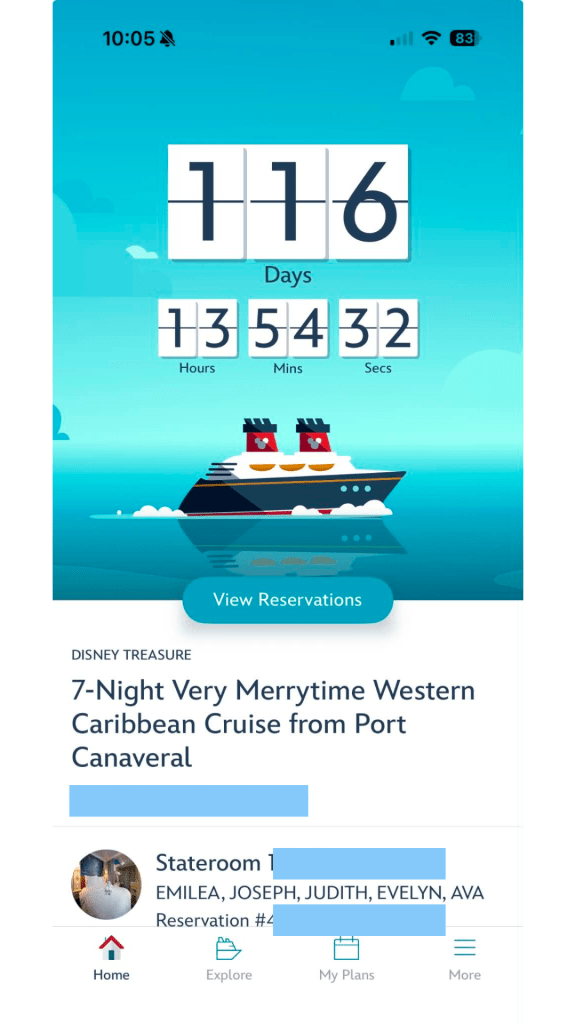
Don’t wait until the week of your cruise to do this. The Navigator App is basically mission control for your entire trip, and you’ll lean on it more than you’d expect, both before you sail and once you’re onboard.
Before you cruise, the app helps you:
- Get familiar with your ship’s layout
- Schedule a character phone call for your kids (this one’s a delight, don’t skip it)
- Eventually book special onboard experiences like Bibbidi Bobbidi Boutique, adult-exclusive dining, spa treatments, and port adventures once your booking window opens
Download the Navigator App here.
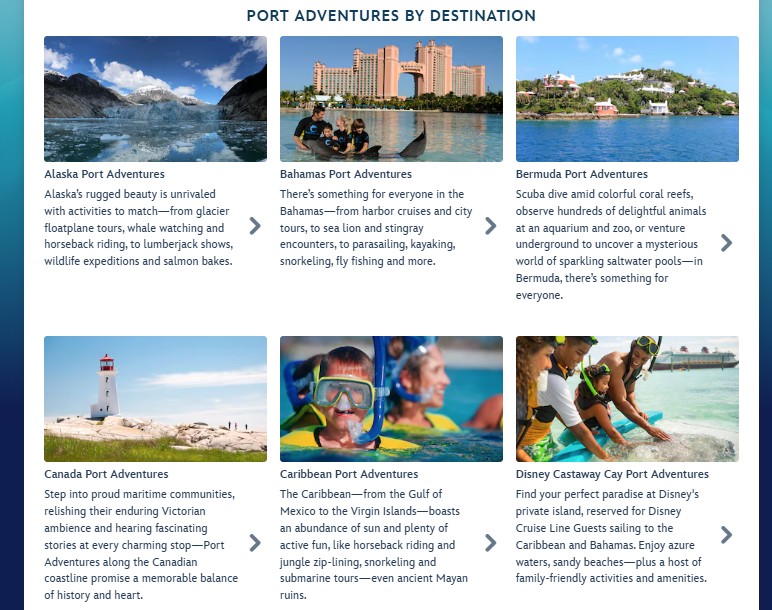
Step 3: Start Window-Shopping Port Adventures
Every itinerary has its own lineup of port excursions, and they’re worth exploring before your official booking window opens — not because you can book yet, but because good options move fast once booking opens, and you want to walk in with a shortlist instead of scrolling in a panic.
Take a few minutes now to browse what’s available for each port your ship will visit. When your window opens, you’ll already know what you want.
Sidenote: Just because a port adventure is listed as an option on Disney Cruise Line’s website, does not mean it will be available for your particular sailing. However, most of them will, so it’s still a good idea to browse the options.
What Happens Next
From here, you’re in the on-ramp phase of cruise planning. Over the coming weeks or months (depending on how far out your sail date is), keep an eye out for a few key milestones:
- Your pay-in-full date — when your remaining balance is due
- Your booking window date — when you can start booking onboard experiences and port adventures
- Your check-in date — when you can complete online check-in for embarkation
I’ll be covering each of these in more detail as the series continues, so you know exactly what to do and when (guesswork and last-minute scrambling are not how we operate, here).
For now: read that confirmation email, get the app downloaded, and start browsing those excursions. The fun is just getting started.
 Wishes & Whimsy